Basic
-40 %Pro
-10 %Advance ASO
-37 %7 steps optimize iOS app systematically include keyword research; optimize Title, Subtitle, Bundle ID; write Description, keyword field properly; design visual assets; optimize rating, review; improve retention, UX and track ASO periodically. This 7-step process needs to be implemented continuously, requiring measurement, testing and adjustment in each cycle for the app to achieve sustainable growth in increasingly fierce competition.
To optimize iOS app systematically, developers need to optimize based on real data, optimize according to conversion funnel, prioritize quick wins first, long-term later, and continuously optimize ASO.
Besides that, choosing the right supporting tools such as ASOLeap will help developers shorten deployment time to the maximum and achieve optimal efficiency with the most suitable budget.
There are 7 steps optimize iOS app systematically that need to be implemented: keyword research; optimize Title, Subtitle, Bundle ID; write Description, keyword field properly; design visual assets; optimize rating, review; improve retention, UX and track ASO periodically. 7 essential steps need to be implemented in order, from research, execution to measurement.
To implement 7 steps optimize iOS app effectively, below is a detailed guide for each step to improve visibility, increase installs and enhance user experience.
Keyword research and selecting iOS app keywords is the foundational step determining whether the app can reach the right target users or not. To choose iOS app keywords effectively, first build a seed keyword list, then analyze competitors' keywords. Next, evaluate, classify and select keywords. Finally, update the keyword list periodically.
Specifically, how to research and choose iOS App keywords step-by-step is as follows:
After having the target keyword set, the next step in optimize iOS app systematically is to focus on optimizing Title, Subtitle and Bundle ID.
To optimize Title, Subtitle and Bundle ID, developers need to follow 3 core principles including: placing the keyword at the beginning of the Title, limiting the Title to 30 characters, inserting secondary keywords into the Subtitle and adding the main keyword into the Bundle ID. Optimizing based on these principles helps the App Store algorithm easily recognize and determine whether the app is relevant to a keyword.
Below are 3 core principles when optimizing Title, Subtitle and Bundle ID:
Besides the publicly displayed information in Title, Subtitle and Bundle ID, developers need to continue optimizing detailed content in the Description and hidden data in the keyword field properly to boost ranking growth.
Writing Description and Keyword Field needs to be optimized according to ASO standards. In which, Description should focus on the first 170 characters, be written according to the conversion funnel, highlight benefits and avoid keyword stuffing. At the same time, the Keyword field should be optimized within 100 characters and must not use competitor brand names. Proper optimization of these factors both persuades users to install the app and helps the App Store algorithm expand keyword index coverage.
Specifically, principles for writing an attractive and ASO-standard Description are as follows:
Focus on the first 170 characters: Within the first 170 characters, highlight the benefits, unique value and a strong hook to encourage users to install immediately or continue reading.
Write according to the conversion funnel: You can follow a sample Description funnel structure such as: Start with the biggest benefit > then briefly present main features >> next provide social proof such as number of users, awards or outstanding reviews >> End with a strong CTA such as Install Now or Try Now.
Highlight benefits: Focus on benefits, meaning what the app helps users achieve instead of just listing features. For example, instead of writing Advanced photo editing tools, write Turn ordinary photos into stunning portraits in seconds.
Avoid keyword stuffing: Do not stuff keywords into the Description because the App Store does not use this section to directly rank keywords. Keyword stuffing makes content hard to read and may even cause the app to be rejected during review.
Principles for optimizing Keyword field according to ASO standards to help the App Store easily recognize:
Optimize within 100 characters: To optimize a high-quality 100-character field, do not repeat keywords already used in Title and Subtitle. Use commas between keywords instead of spaces. Especially prioritize single keywords rather than keyword phrases.
Must not use competitor brand names: Apple’s algorithm strictly penalizes the use of third-party trademarks in the Keyword field. If intentionally used, the app may be rejected when detected.
Besides writing a persuasive Description and optimizing Keyword Field, you also need to create strong visual signals such as designing icon, screenshots and preview video to drive users to the final decision.
Designing visual assets includes icon, screenshots and preview video following professional principles that directly determine the app’s conversion rate. Specifically, icon design principles require simplicity, easy recognition, standout in the category . Screenshots should follow a storytelling funnel from Benefit hook, Features with real context, Social proof and CTA. Finally, preview video must be under 30 seconds, capture attention within the first 3 seconds and focus on benefits.
Specifically, principles for optimizing icon design to stand out and increase conversion are as follows:
Principles for designing Screenshots according to storytelling funnel:
Principles for creating a preview video under 30 seconds:
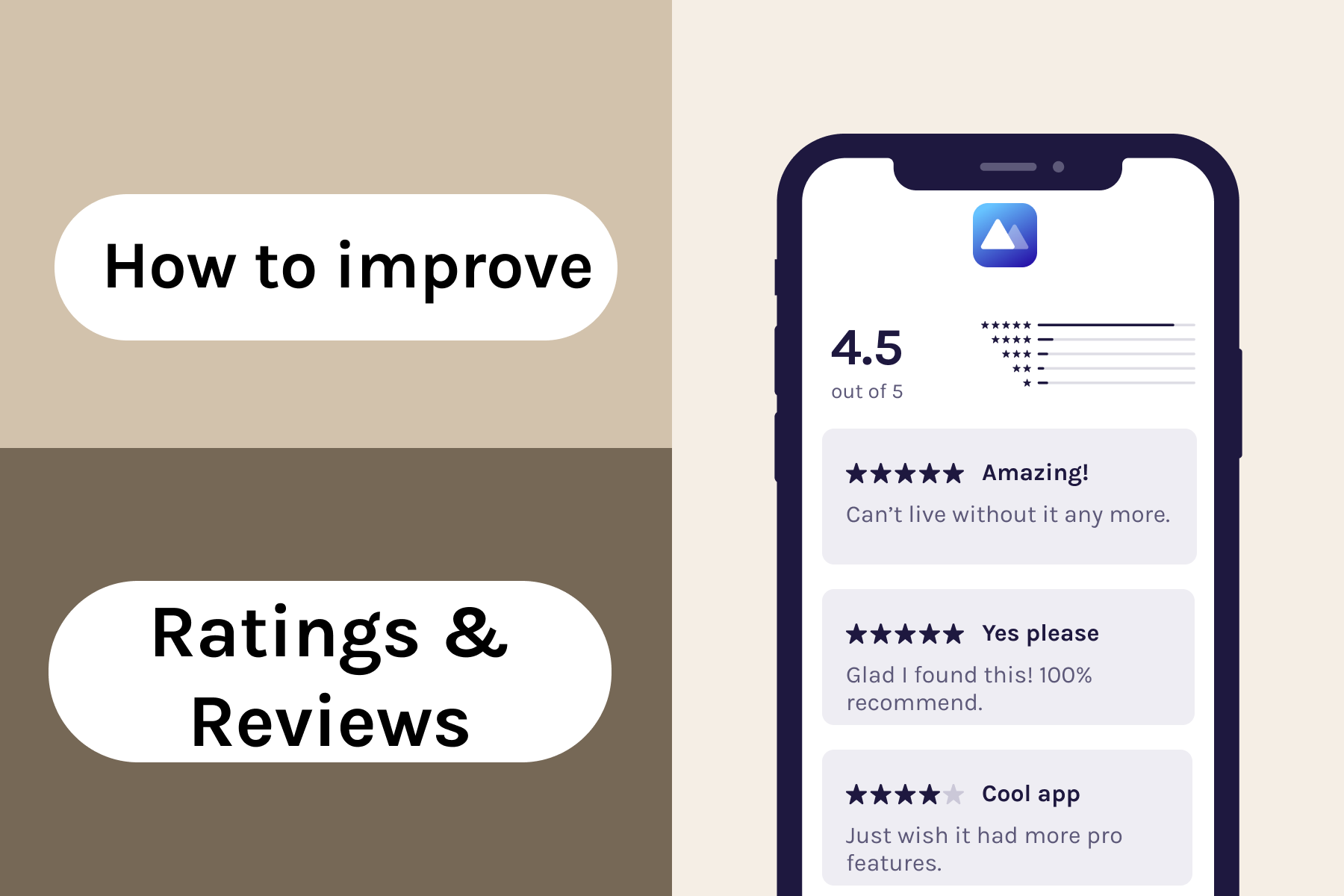
Designing icon, screenshots and preview video plays a crucial role in users’ install decision. To increase trust and drive user action, developers must focus on optimizing rating, review and user feedback on the App Store.
Developers need to implement SKStoreReviewAPI at the right time, filter sentiment, and respond to all reviews while handling negative reviews properly. These actions not only send positive signals to the App Store ranking algorithm but also help improve conversion rate efficiency.
Below are detailed techniques to optimize rating, review and user responses on the App Store effectively:
After optimizing rating, review and user feedback, the next step is to improve user experience, retention and category ranking to ensure sustainable growth.
Developers should optimize retention by improving behavioral signals such as session length and Retention rate. Improving these signals creates a growth loop for the app, meaning better UX helps retain users longer, which in turn sends positive signals to the App Store algorithm to improve rankings.
Specifically, how to optimize user experience, retention and category ranking by maintaining a strong growth loop is as follows:
The market constantly changes, so alongside optimizing UX and metadata to improve app quality, developers must have a periodic tracking system to make timely adjustments when necessary.
To track and update ASO periodically, developers need to build clear KPIs, schedule regular metadata reviews and implement A/B testing. Especially, update metadata after A/B testing and monitor changes in the App Store algorithm. Optimize iOS App requires continuous tracking, measurement and updates to adjust strategies, thereby driving sustainable and effective install growth.
ASO tasks that need to be tracked and updated periodically include:
The 7 steps to optimize iOS app must be implemented based on strategic principles to achieve the desired effectiveness. Below are several principles that developers need to keep in mind.
Optimize iOS app properly needs to follow 4 strategic principles: optimize based on real data, optimize according to conversion funnel, prioritize quick wins first then long-term, and continuous ASO optimization. The steps to Optimize iOS App in Part 1, when implemented properly according to these 4 strategic principles, ensure consistency, effectiveness, and sustainability of the campaign.
4 operational principles for optimize iOS app properly are as follows:
Principle 1 - Optimize based on real data: Do not arbitrarily change metadata, visual assets, or keyword strategy based on intuition. All changes must be based on real data from App Store Connect, A/B testing results, and keyword tracking.
Principle 2 - Optimize according to conversion funnel: The entire Optimize iOS App process must be synchronized and consistent across the conversion funnel. Execute from impression → Product Page View → Install → Retention. If optimizing each point separately, it will not generate the desired results. For example, high keyword ranking but low CVR will not generate organic installs, while high CVR but low retention will not create strong rankings.
Principle 3 - Prioritize quick wins first then long-term: The best strategy is to prioritize long-tail keywords first to quickly achieve high rankings and generate organic installs as initial momentum. Then leverage that strength to push more competitive keywords over time.
Principle 4 - Continuous ASO optimization: Optimize iOS App is a continuous marketing process. Do not only act when rankings drop significantly. Allocate time and resources weekly. Even small actions performed consistently can create significant long-term results.
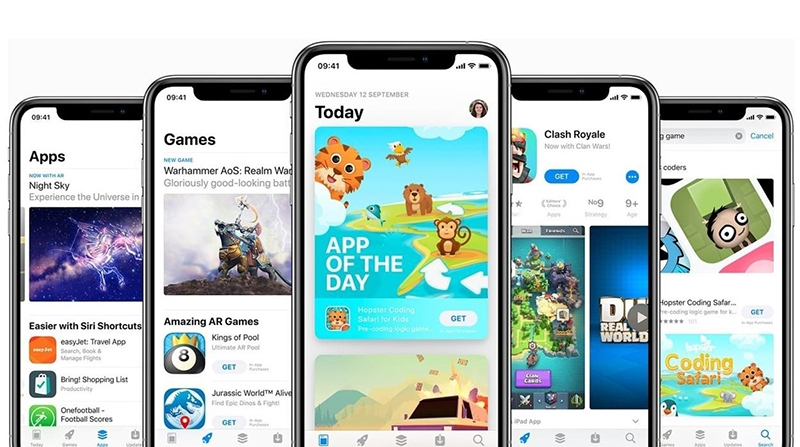
Optimize iOS app includes many structured steps and strategic principles; so developers often rely on specialized iOS Services and supporting tools to save time and maximize implementation efficiency.
ASOLeap is the most effective tool to optimize iOS app today. The entire optimization process is executed systematically, comprehensively, and consistently on a single platform. Accordingly, developers can fully implement all 7 optimization steps without combining multiple fragmented and complex tools.
In addition, the ASO specialist team of ASOLeap is ready to support developers in analyzing specific situations and proposing the most effective optimization strategies. In particular, the multi-dimensional performance reporting system aggregates all key KPI metrics such as keyword ranking, organic installs, CVR estimate and trend analysis, helping developers easily manage and make timely adjustment decisions.
The tool is suitable for projects of all sizes. At any stage of optimizing iOS app, ASOLeap provides full features to support developers in progressing toward natural growth goals on the App Store.
7 steps Optimize iOS app is a continuous, synchronized, and systematic process. This is the foundation that helps applications achieve sustainable growth. In Apple’s highly competitive environment, an app that optimizes intelligently and is supported by modern tools will easily succeed in appearing in front of users at the right moment they need it.
Promote Your App Now and Unlock Growth Potential with ASOLeap
Whether you're a large company or a small startup, our expert ASO services help promote your app on Google Play and the App Store at competitive, affordable prices with ASOLeap. Boost your app’s rankings and visibility, and buy app downloads, installs, ratings, and reviews by up to 50% — all through ethical, AI-powered strategies.
Promote Now – Get Free Consultation with ASOLeap!


